
Engine, which depending on the settings configured, will impact the model used, the stored data, etc.
Examples of this are:
- Selected models for an App
- Weights (optimize for cost, for speed…)
- Policies (modify the privacy, use a Prompt, retry on failure…)
- …
SMART
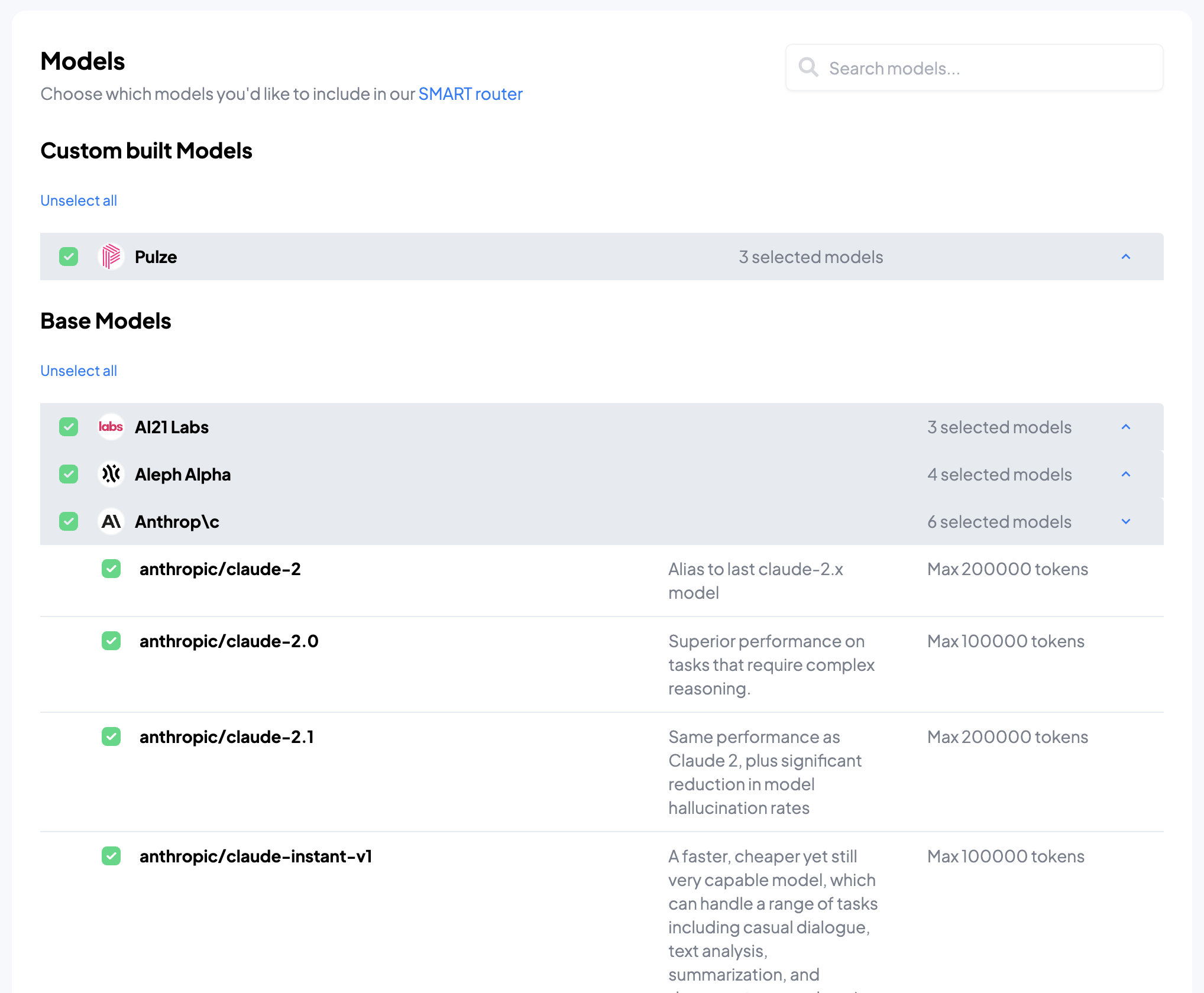
SMART stands for Semantic Model Allocation Routing Tool. In short, it’s a system developed by Pulze which, based on the prompt (i.e. the text you send) and the different parameters, it allocates a model. Semantic, in this context, means “related to the contents of the request”.SMART is enabled by default for all new apps, and we encourage you to try it, in combination with the weights.
When you request a model such as
pulze, pulze-v0, … (i.e. one of our routing models) the request will be redirected to the best selected model, and if it
fails it will try the second best, then the third best… This is configurable by this policy.How to use it
In your App, access the “Models” tab and change the mode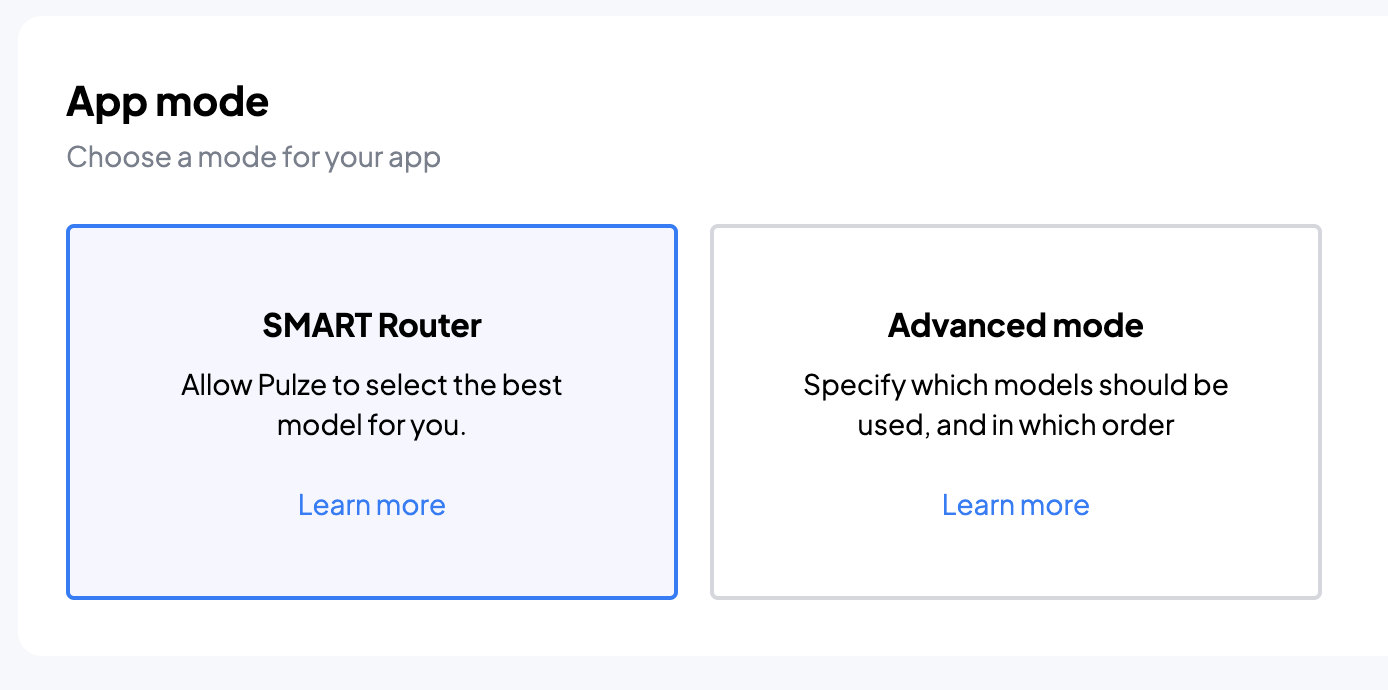
Manual
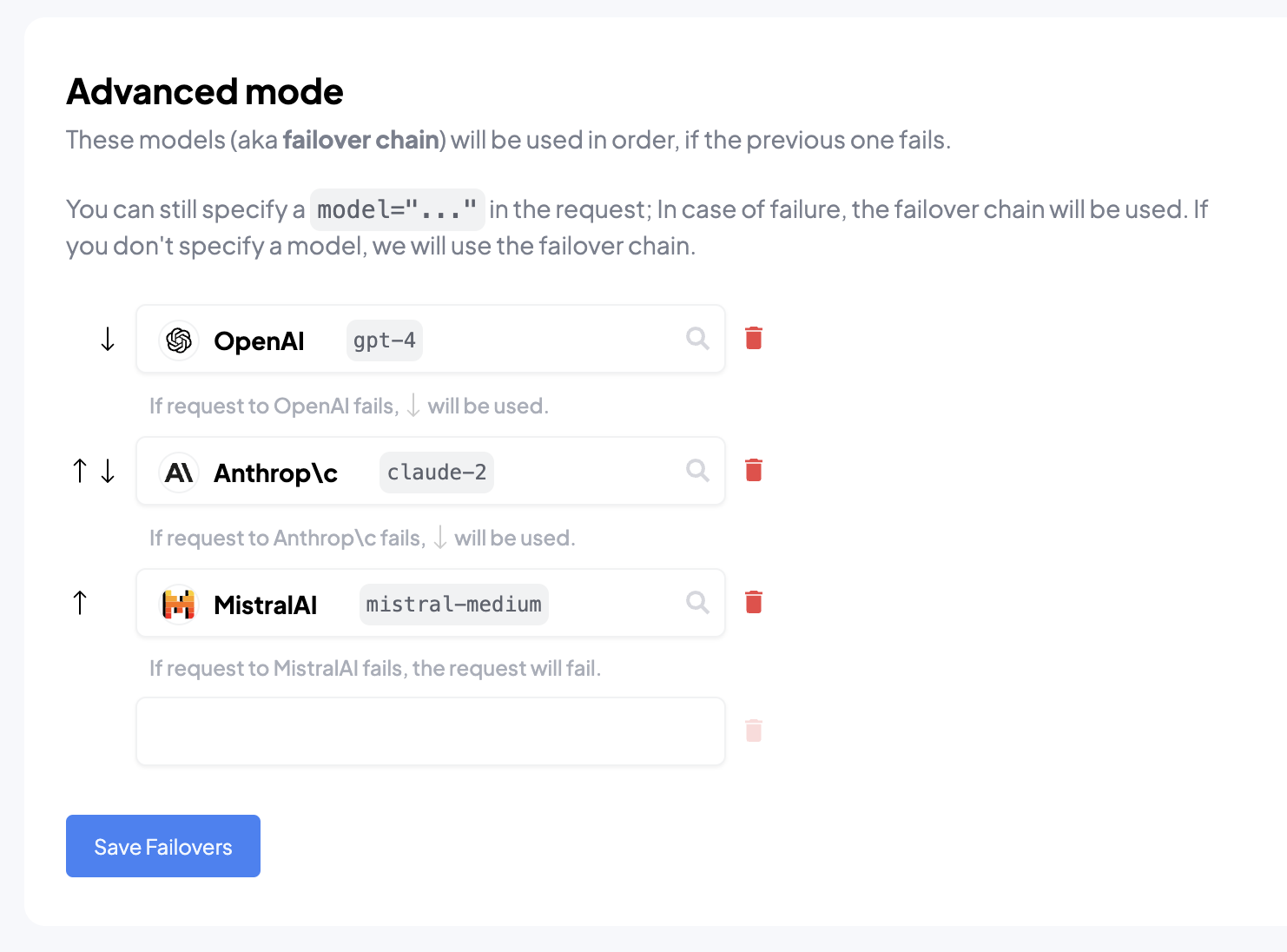
The manual mode is designed to give you full control over which models are used, and what to do when a specific model fails.💡 In Manual mode, you can request any model, as long as you have access to it. It is not necessary for the model to be part of your failover chain.
How to use it
In your App, access the “Models” tab and change the mode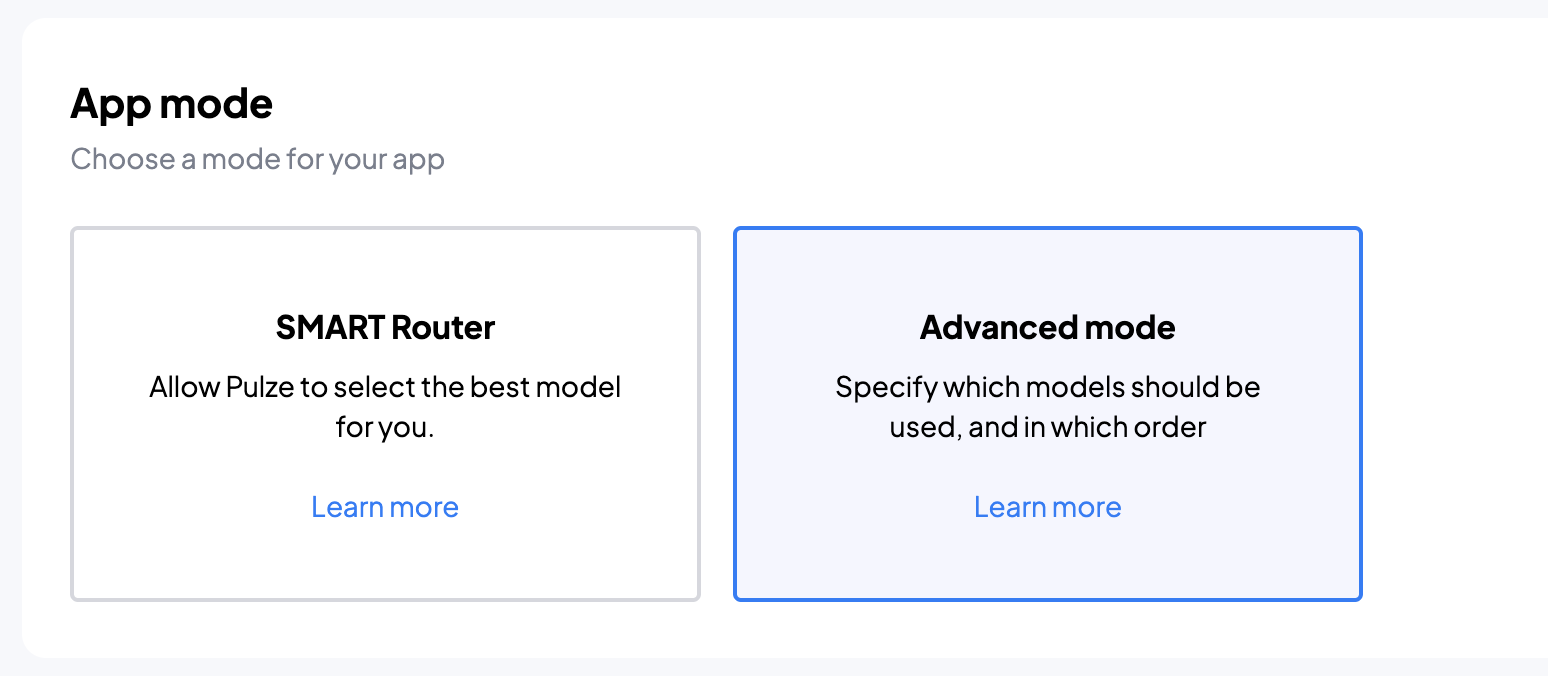
Feedback
Do you love or hate this feature? Does this feature not do what you would expect? Do you have suggestions? We would love to hear your feedback at support@pulze.ai or https://pulze.ai/community!